
PD Online Brisbane: Where It Went and How to Use Development.i
If you were looking for PD Online, here's the tool that actually has the answer, and how to use it.
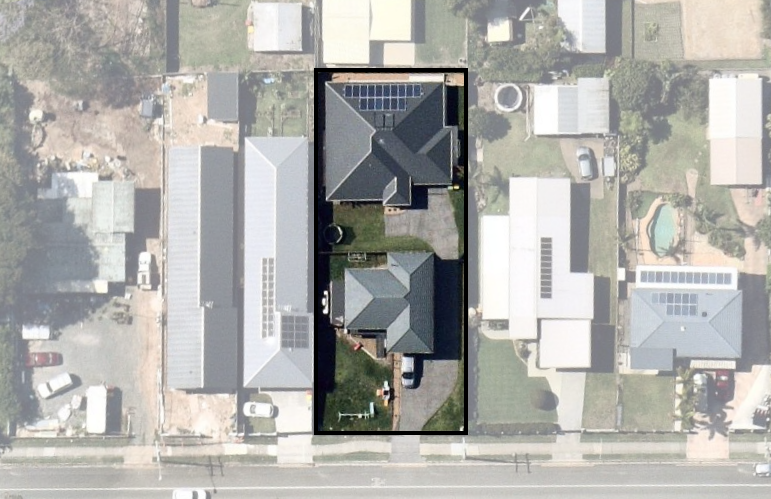
“PD Online” is what a lot of people still call Brisbane City Council's development application search, usually because that's the name they used a few years ago, or the name someone else gave them. Search for it today and Brisbane City Council's current tool is called Development.i. We can't point you to a council notice with an exact date PD Online was switched off — what's observable is simpler: the application search that answers a “PD Online Brisbane” search today runs under the Development.i name.
What Development.i Actually Does
Brisbane City Council describes Development.i as “an online tool you can use to look up past and current development applications and find basic property information.” Through it you can search for applications and view documentation, favourite a property, save search filters, register for notifications, and make a submission on an open application.
What it can't tell you
Council is explicit about the limits: “Development.i doesn't replace the need for due diligence checks when making investment decisions,” and it “provides a spatial representation of properties related to applications lodged with Council” that “doesn't represent current construction activity in Brisbane.” Council's own terms describe it as showing “key milestones” in the development application process, not a detailed history. Treat it as a starting point, not the full picture, especially before a purchase.
Step by Step: Searching a Property
- Open Development.i at developmenti.brisbane.qld.gov.au and accept the terms if prompted.
- Choose a location search by address, suburb or ward, an application search by reference number, or a map search if you want to browse an area rather than one address.
- Open the application listing that matches your property to see current and past applications and their documents.
- Register and save the search if you want to be notified as the application progresses, rather than checking back manually.
Reading a Neighbour's DA, Objecting, or Lodging
Development.i is also how you follow an application that isn't yours. Brisbane City Council's guidance on lodging a submission or comment sets out what a valid objection needs:
- it must “state what aspects of the plan or proposed development you support or oppose, and why”;
- it must “be signed by each person making the submission” and include a full name and residential or business address — council is explicit that “you can't make an anonymous submission”;
- it must “be received by Council before the closing date for submissions” shown on the application;
- valid planning grounds include whether the proposal fits the intent of the area under City Plan, the scale and design compatibility, traffic and parking impacts, hours of operation, and drainage impacts.
You can amend a submission before the closing date, and withdraw it any time before council makes its decision. If you're the one lodging an application rather than commenting on someone else's, Development.i is where it will appear once accepted, and our development management service covers preparing and lodging that application in the first place.
Outside Brisbane City Council
If your property is outside the Brisbane local government area, Development.i won't have it. Neighbouring councils run their own equivalents: Ipswich City Council operates its own Development.i instance, Logan City Council runs its own Development Enquiry Tool, and the City of Gold Coast has made the same move Brisbane has — its own current page states plainly that “Development.i replaces our previous service PD Online.”
A property's application history is only one input. To understand what could be built there going forward rather than what has already been through council, see our guide to reading Brisbane City Plan for your property, or the 4 key types of development for the application categories Development.i records against.